Diagnosing Site Performance Issues
To find out why a WordPress site is slow, open its Diagnose tab and click Start Diagnostics. It records real requests and shows which plugin, theme, database query or external call is taking the time.
What Diagnostics Does
Every WordPress site on HostBarrel includes a built-in performance profiler. Instead of guessing why your site is slow, Diagnostics records real traffic for a period you choose and shows you exactly where the time goes - down to the individual plugin, theme, and database query.
Enabling Diagnostics
- Open your site from the Sites page and go to the Diagnose tab
- Click Start Diagnostics and choose how long to record
- Browse your site normally (or just let real visitor traffic flow) so there's data to analyze
- Come back to the tab to watch results build up live - you can Stop the session at any time
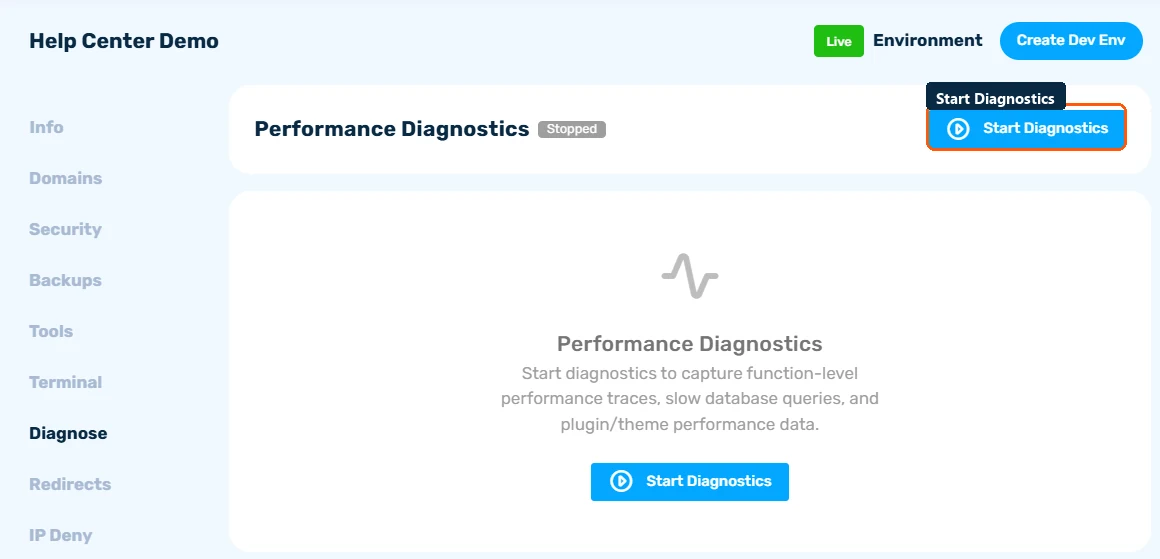
Profiling adds a small overhead, so run it when you're investigating a problem rather than leaving it on permanently.
Reading the Results
The overview shows your total requests, average and p95 response times, error rate, and an Apdex score (a measure from 0 to 1 of how satisfied visitors are with your response times - above 0.85 is healthy).
Digging Deeper
- Slowest Plugins / Themes - which plugin or theme consumes the most time per request. This is usually where the culprit hides.
- Database Queries - the heaviest SQL queries and where they come from
- Transactions - every recorded page/AJAX request with its full timing breakdown
- External HTTP - slow calls your site makes to third-party APIs (license checks, payment gateways, etc.)
- Errors - PHP errors captured during the session
Use the filters (slow only, errors only, admin, AJAX) to cut through the noise.
Acting on What You Find
- A single slow plugin dominating every request? Try deactivating it or finding a lighter alternative.
- Slow uncached pages? Enable nginx caching from the Tools tab.
- Slow external HTTP calls? Those block your pages - ask the plugin author about caching or async options.
- Consistently high load with everything optimized? It may be time to upgrade your plan (see How to Upgrade Your Hosting Plan).
