Domains Walkthrough
The Domains page in the sidebar lists every domain on your account with its expiry status, while each site's own Domains tab shows which domains point at that site and whether their DNS and SSL are active.
Account-Wide Domains
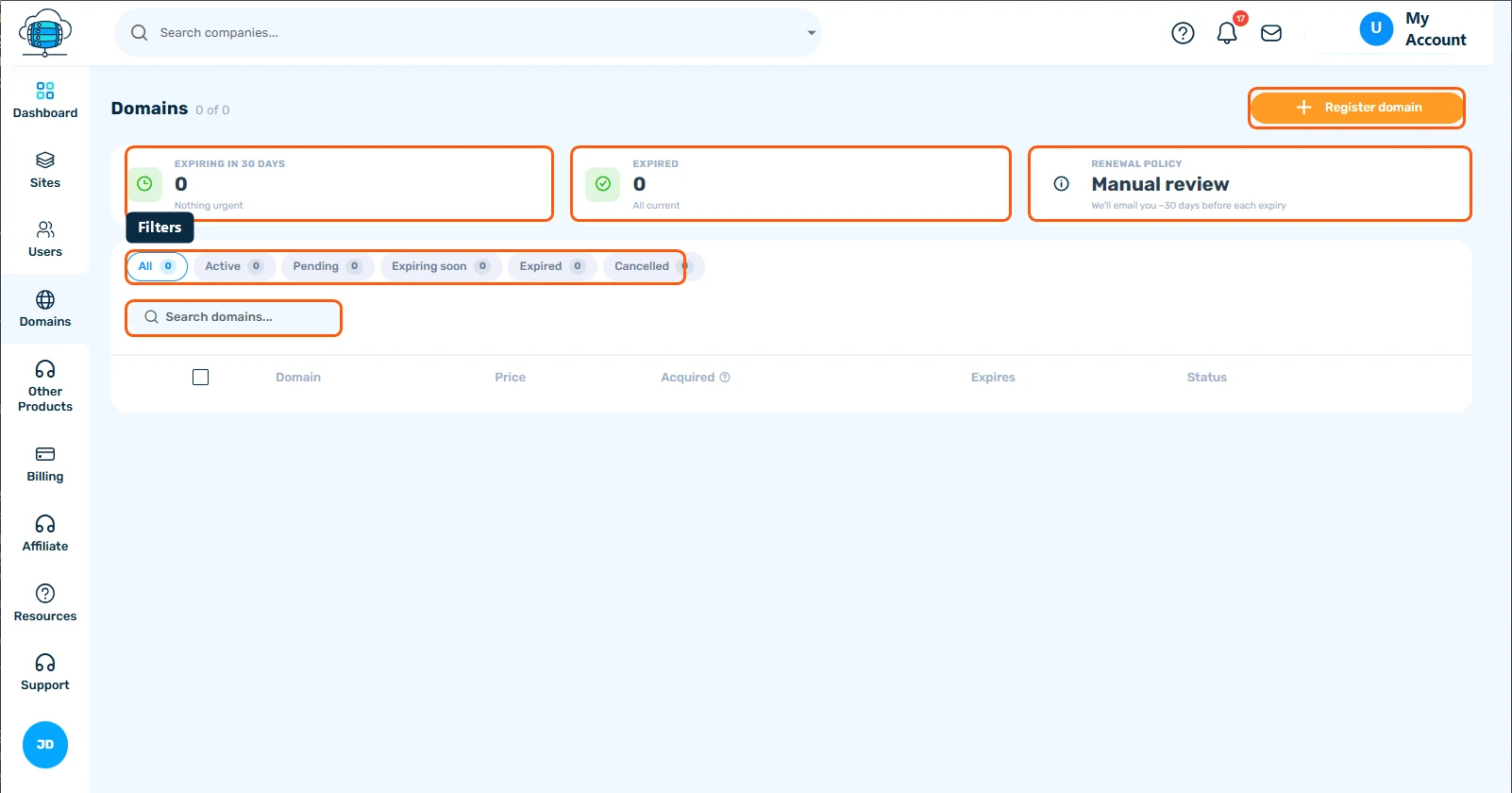
Click Domains in the sidebar for every domain across your account: what's expiring within 30 days, what's already expired, and your renewal policy. Filter by Active / Pending / Expiring soon / Expired / Cancelled, search, and click Register domain to buy a new one.
A Site's Domains Tab
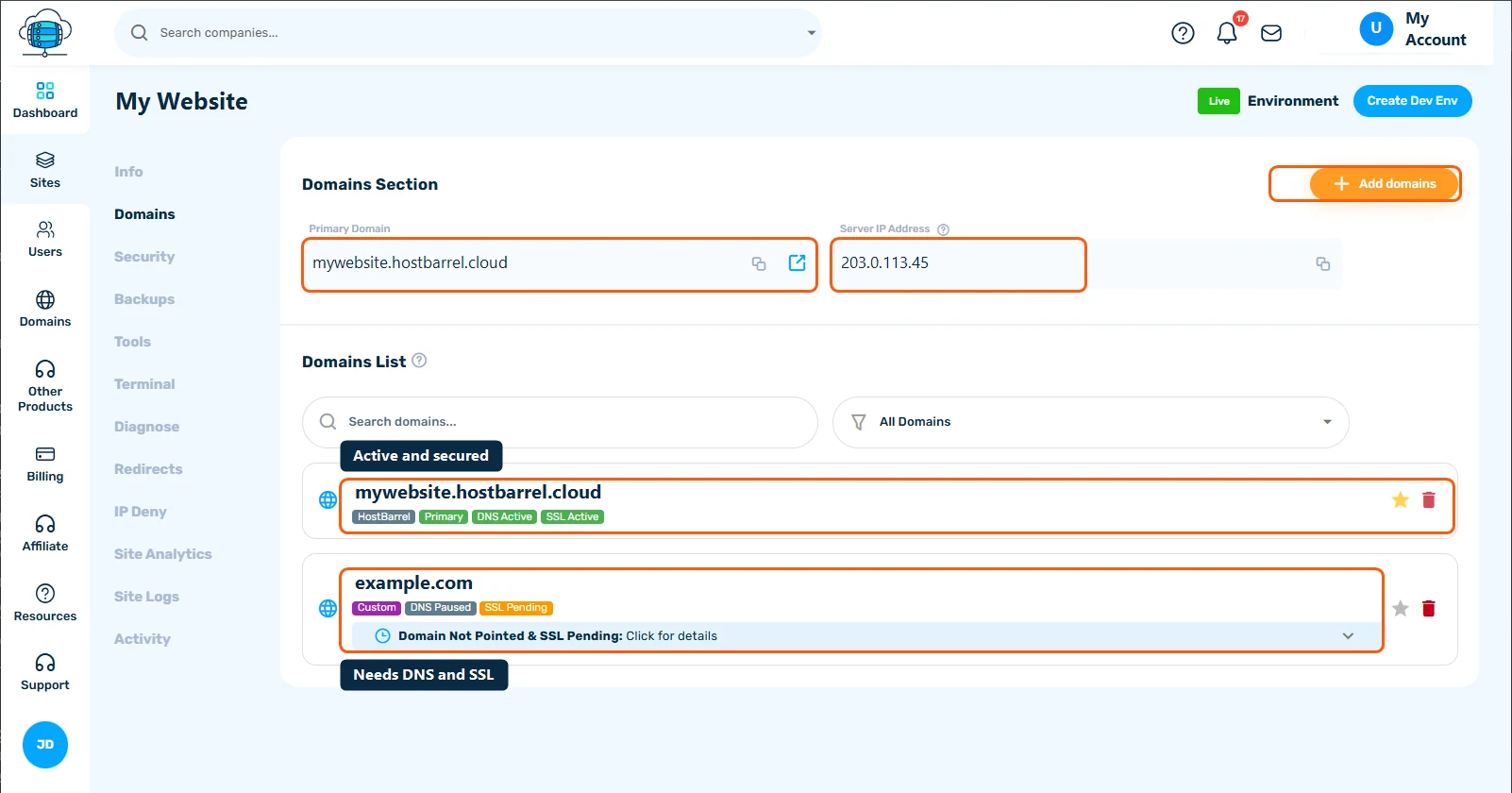
Open a site and click its Domains tab to manage domains for that specific site. Primary Domain and Server IP Address are shown at the top, followed by a Domains List of every domain pointed at the site.
Reading the Status Badges
- HostBarrel / Custom - whether it's your free
*.hostbarrel.cloudsubdomain or a domain you brought yourself - Primary - the star icon marks (or lets you set) which domain is primary for the site
- DNS Active / DNS Paused - whether the domain currently resolves to this site. "Paused" usually means DNS hasn't been pointed here yet
- SSL Active / SSL Pending - whether a certificate has been issued. Pending domains show a banner explaining what's still needed - click it for details
Click Add domains to attach a new custom domain to this site. See Setting Up URL Redirects (301 & 302) for routing an old domain to a new one once it's active.
