Registering & Managing Domains from Your Dashboard
To register a domain, go to Domains in the sidebar and click Register Domain. Domains registered with HostBarrel are managed on the same page: DNS records, nameservers, renewals, registrar lock and transfer out.
Registering a New Domain
- Go to Domains in your dashboard sidebar and click Register Domain
- Search for the name you want - available extensions are listed with their prices
- Pick your domain, choose whether to add WHOIS privacy (hides your personal contact details from the public WHOIS directory), and complete the order
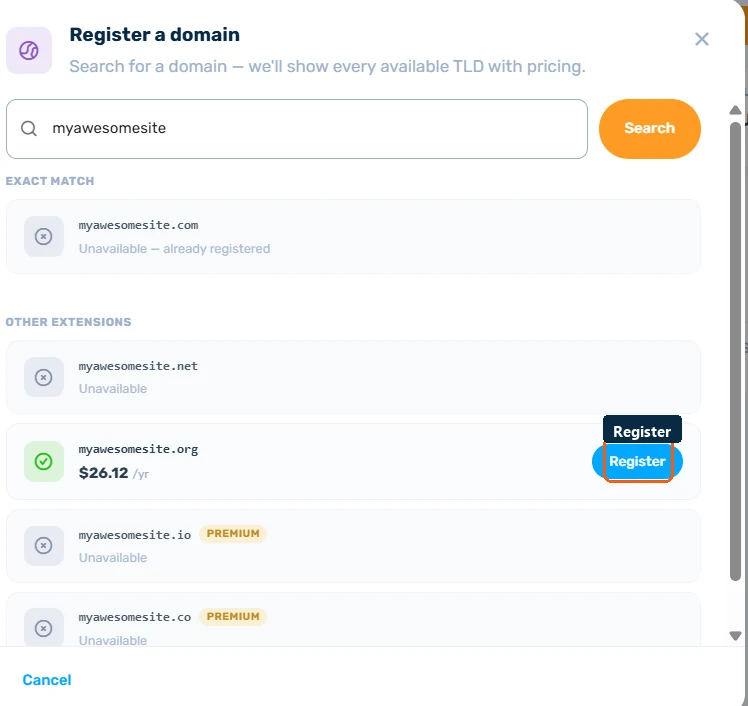
Once registered, the domain appears in your Domains list, ready to manage.
Managing DNS Records
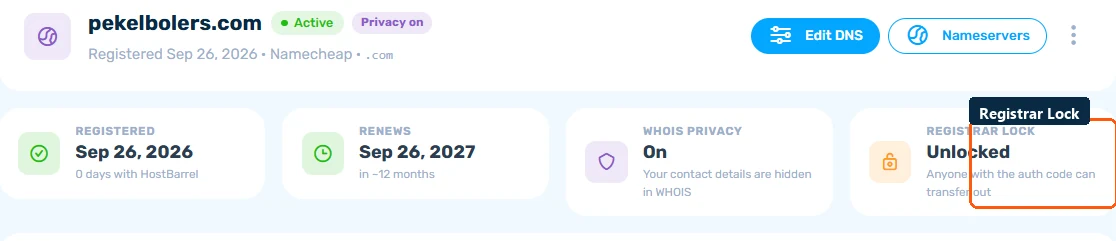
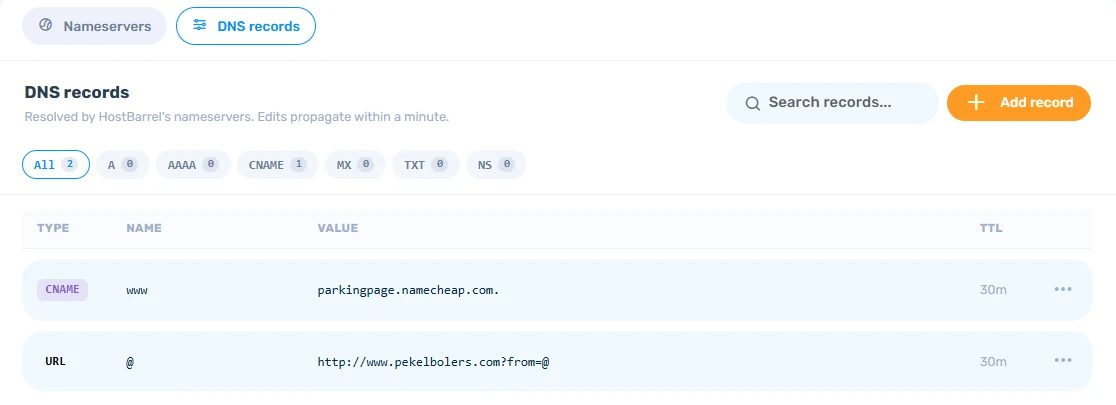
Open any domain registered with us and click Edit DNS. Under the DNS records tab you can add, edit, and delete records (A, CNAME, MX, TXT, and more) - this is where you point the domain at your hosting, connect an email provider, or add verification records. Because the domain is registered with HostBarrel, you manage everything here instead of at a third-party registrar.
Nameservers
The Nameservers tab lets you view and change the domain's nameservers (up to 6). Only change these if you want another provider - such as Cloudflare - to take over DNS for the domain; after that, records must be managed there, not here.
Renewals
Each domain shows its expiry date. Click Renew Now on the management page, or select multiple domains in the list and use Request Renewal to renew in bulk. Don't let a domain lapse - expired domains can be expensive or impossible to recover.
Registrar Lock
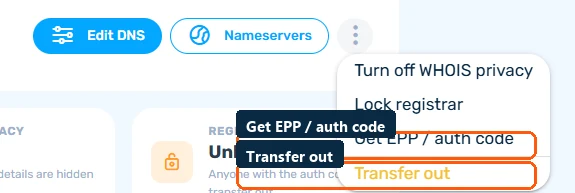
The Registrar Lock card shows whether your domain is Locked or Unlocked. Use the ⋯ menu on the domain's detail page to toggle it - keep it locked at all times unless you're actively transferring the domain away.
Transferring Out
Moving to another registrar? Unlock the domain, then use the ⋯ menu's Get EPP / auth code option to obtain the authorization code your new registrar will ask for. Start the transfer at the new registrar and approve the confirmation emails.