Managing Your Billing Information
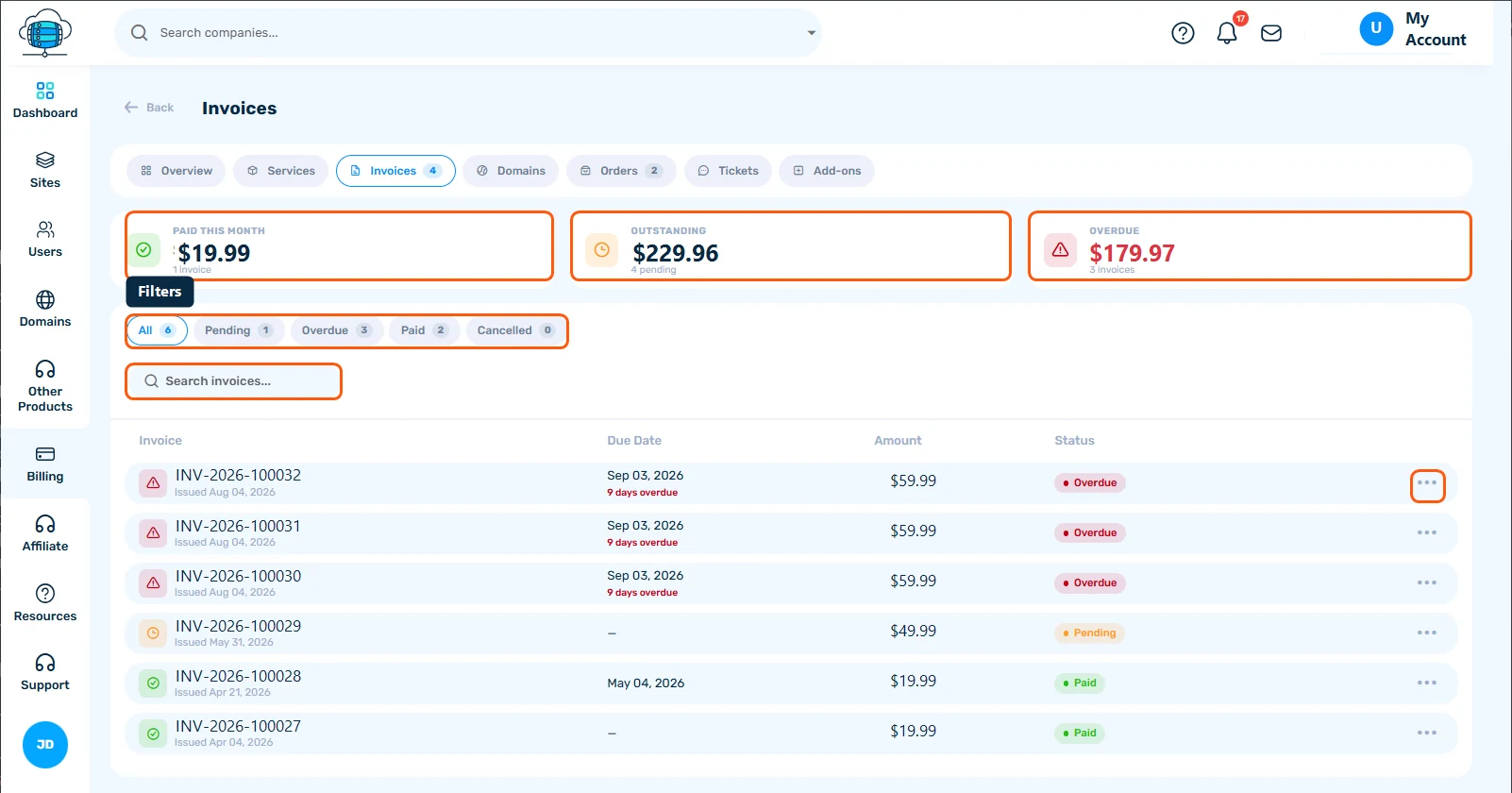
Your invoices are under Billing > Invoices, where you can view, download and pay them with PayPal or account credit. Your billing cycle is shown on each subscription's details page.
Viewing Invoices
All invoices are available under Billing > Invoices in your dashboard. You can view details, see payment status, and download invoices as PDF.
Paying an Invoice
For unpaid invoices, click Pay Now to be taken to the payment page. You can pay via PayPal or use account credit if you have a balance.
Account Credit
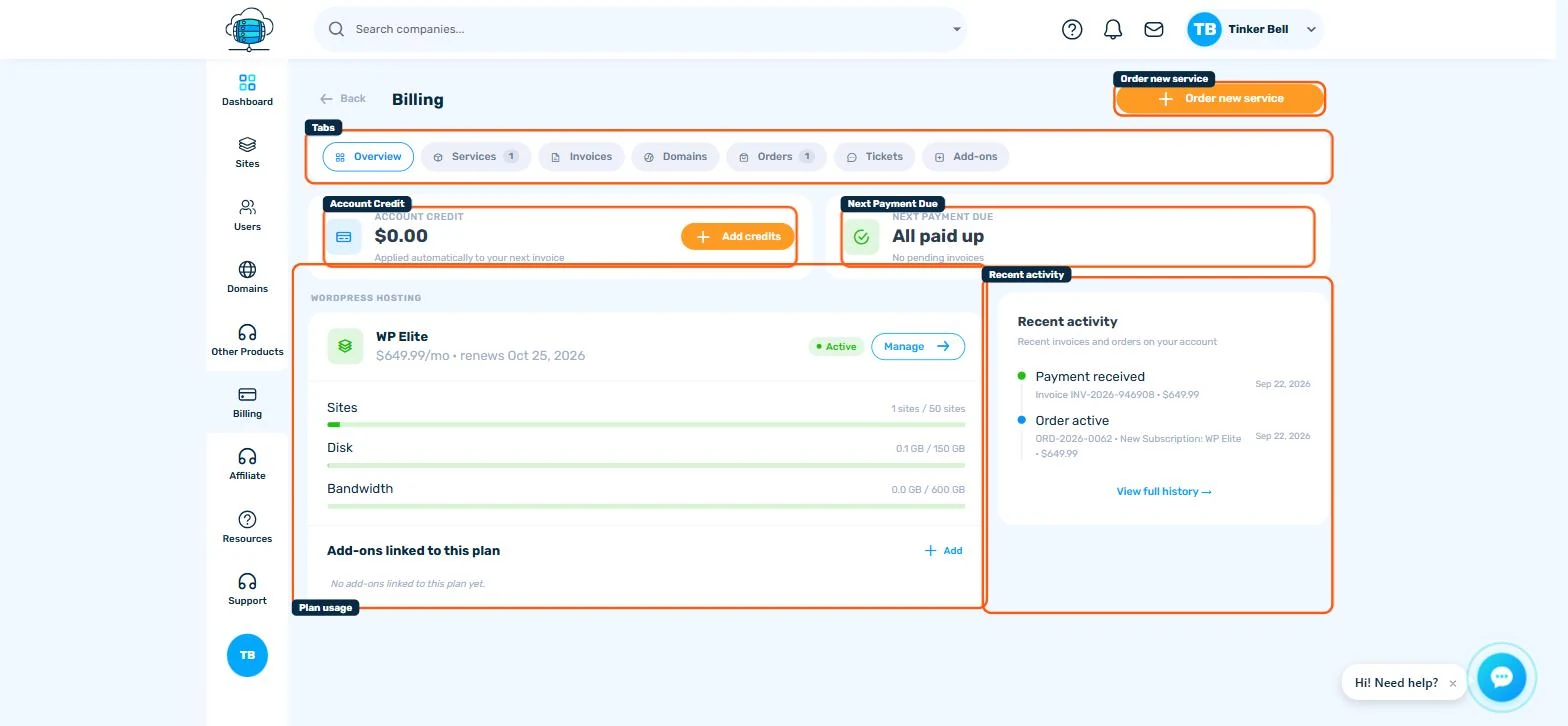
You can add credits to your account from the Billing page. Credits can be used to pay invoices instantly without going through a payment gateway.
Billing Cycle
You can choose monthly, quarterly, semi-annual, or annual billing. Longer cycles offer better per-month pricing. Your billing cycle is shown on your subscription details page.
Cancellation
You can cancel an active subscription at any time from Billing > Services. Cancellation stops future charges; the service remains available until the end of the period you have already paid for. All fees are non-refundable.
